All Categories > Users and Account > How can I change the language?
How can I change the language?

This article shows you how to adjust your own language settings.
1Click on the three dots next to your name and select Profile.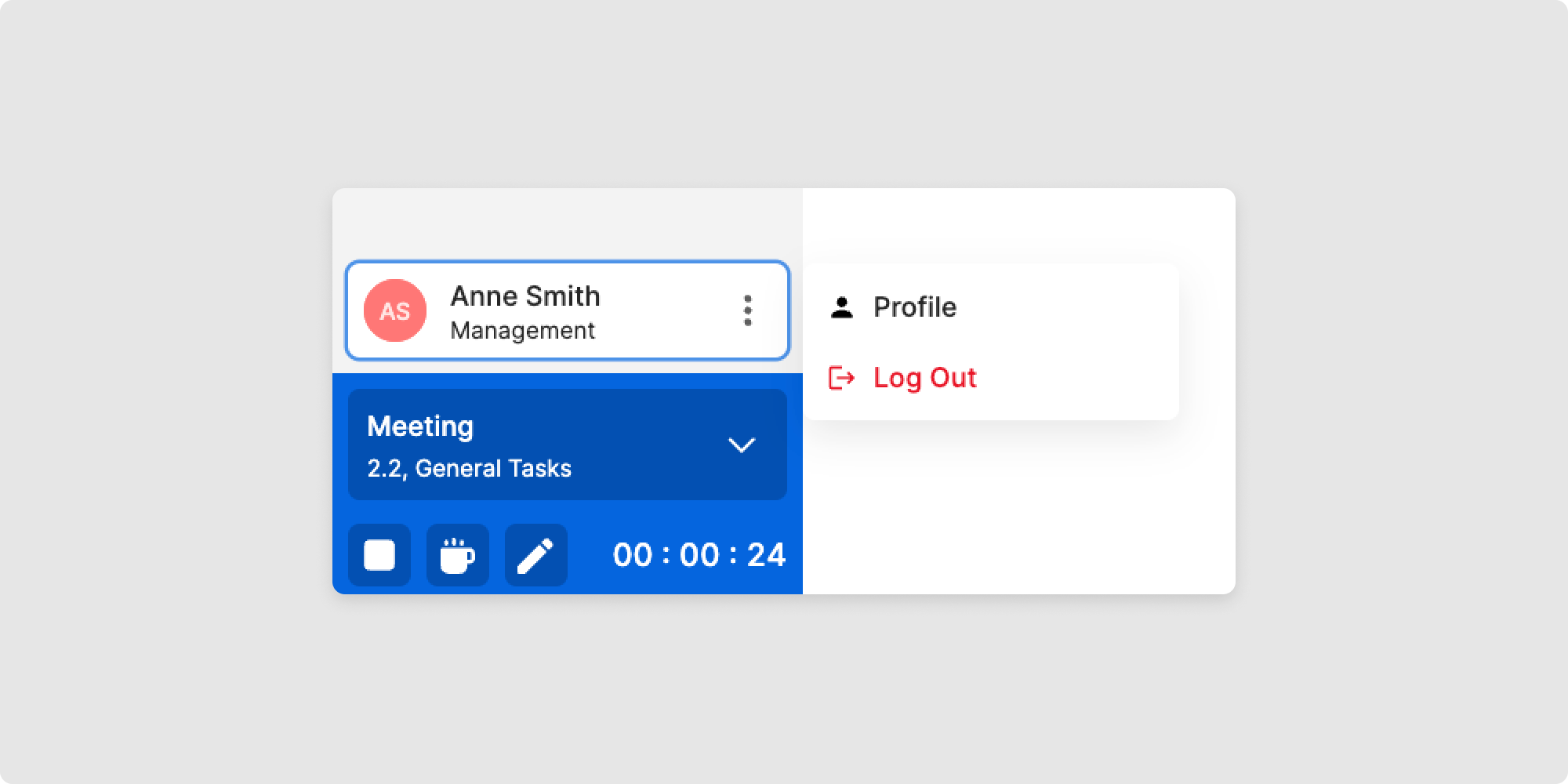
2Click on Edit profile at the top right.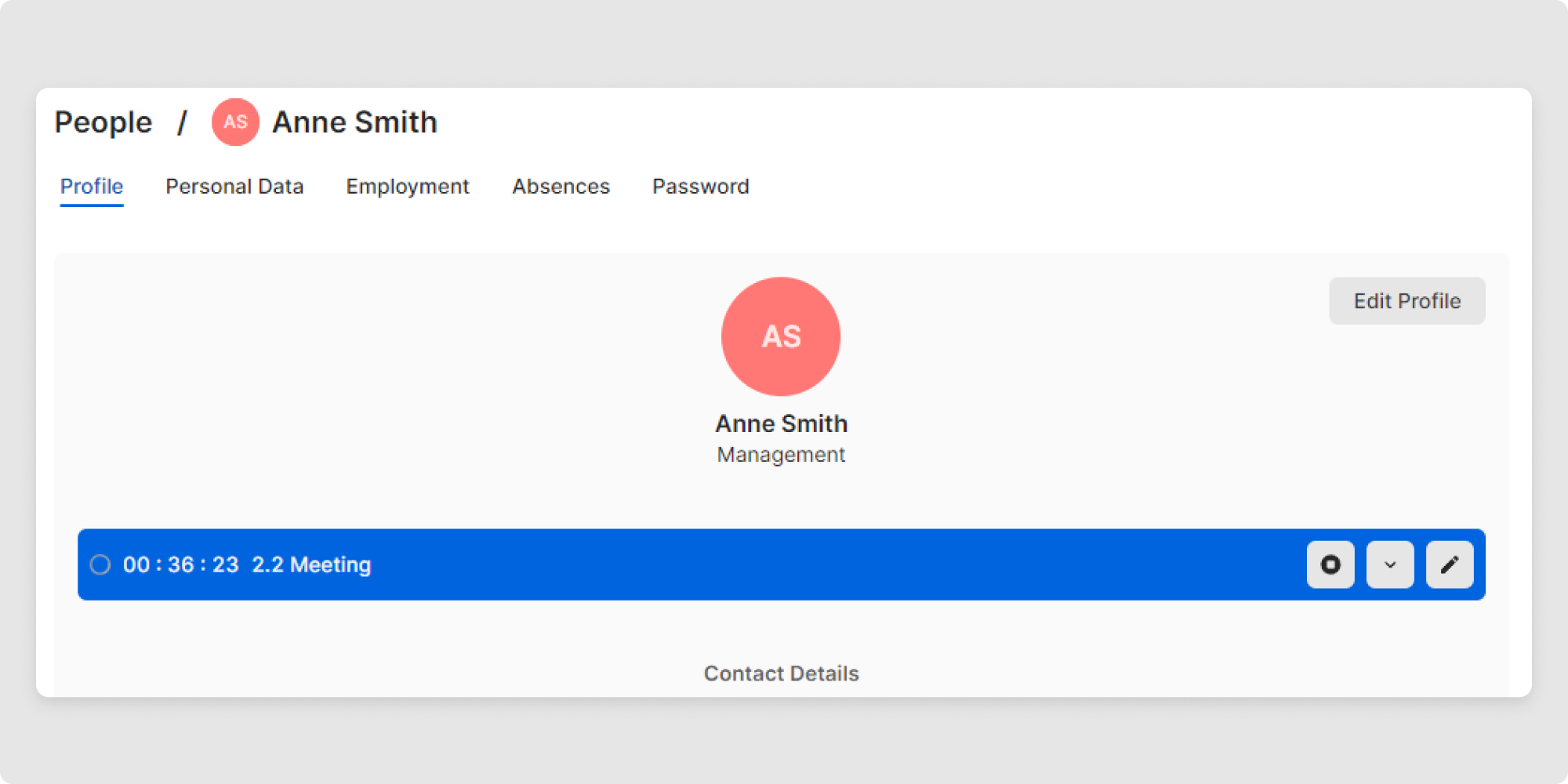
3Select the desired language from the drop-down menu by clicking on it.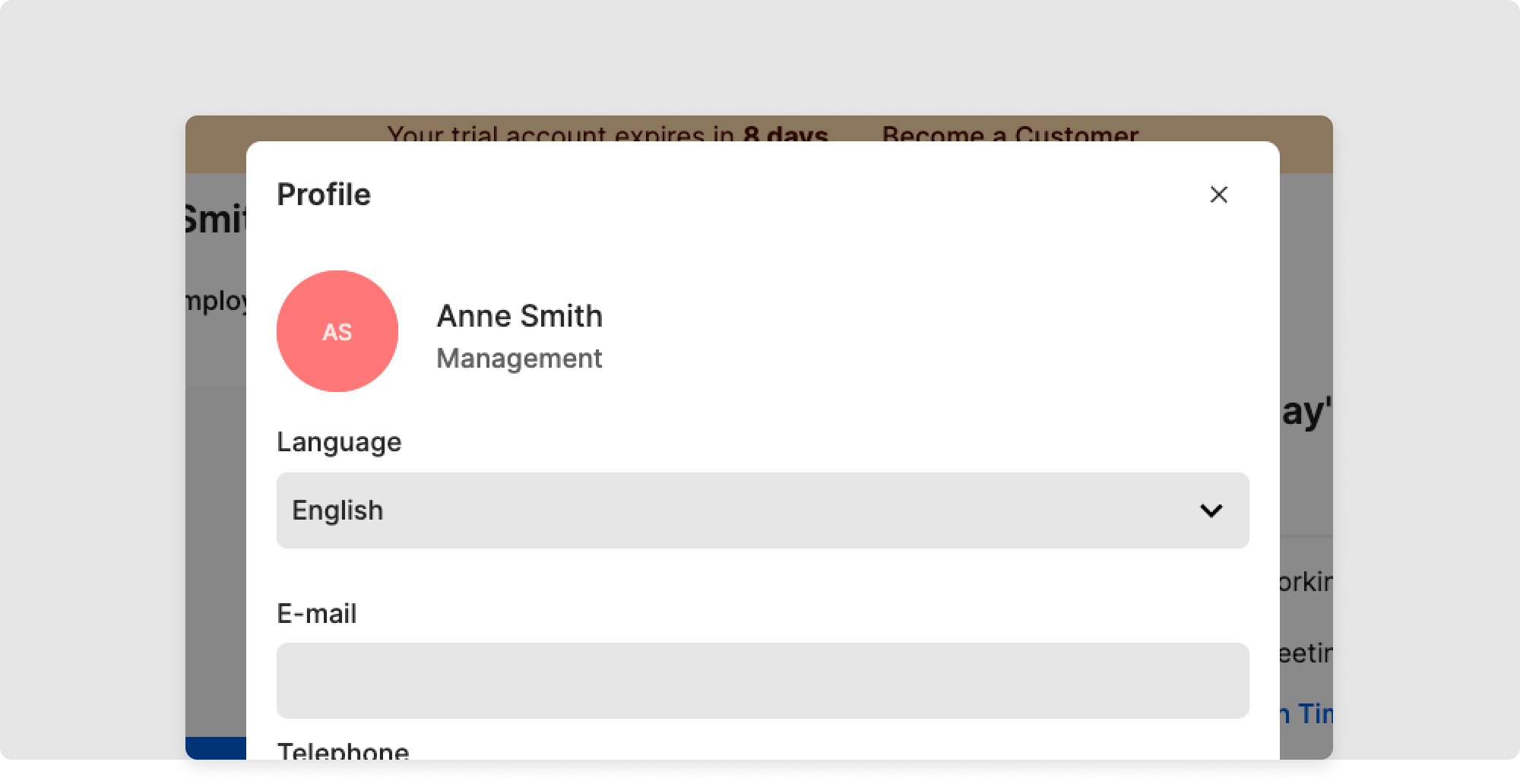
4Confirm the action with Update.
You have successfully changed the language!
