All Categories > Tracking Time and Absences > How can I delete timestamps?
How can I delete timestamps?

It can happen that a timestamp has been created by mistake and you need to delete it. This article shows you how you can easily delete such timestamps in order to maintain your calendar accurately and without errors.
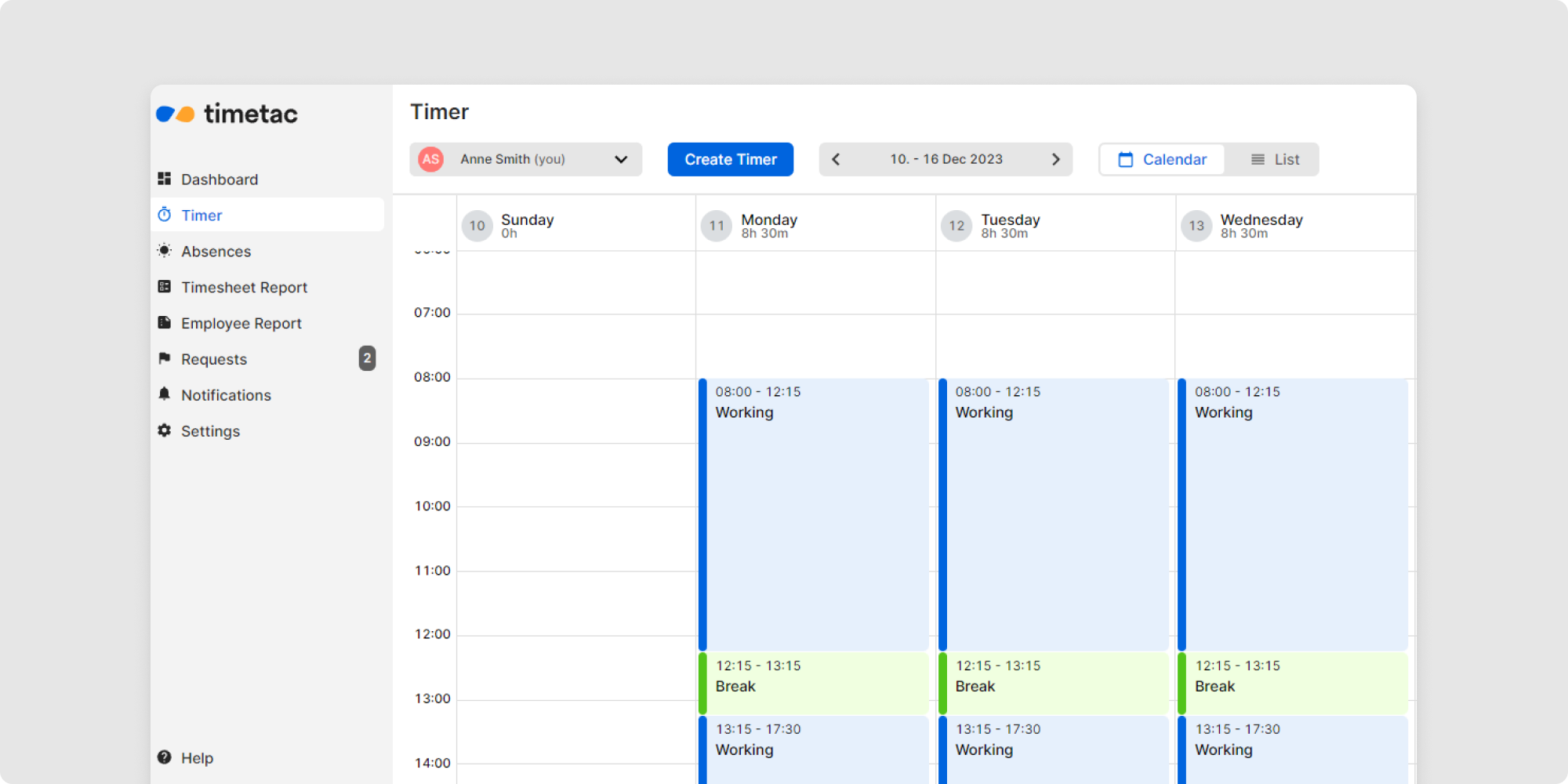
1Switch to the Timer menu and select the Calendar view.
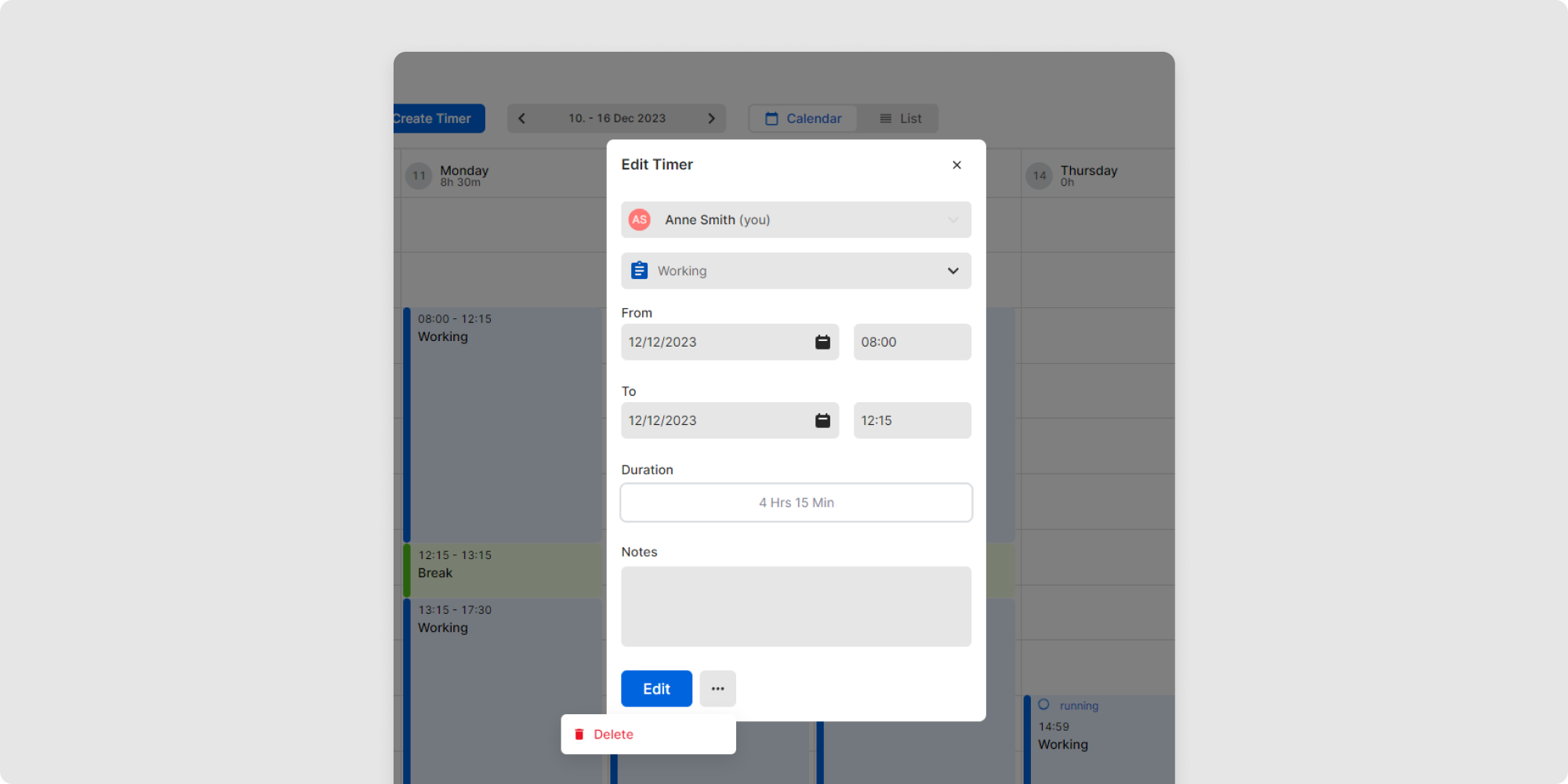
2Select the desired timestamp by clicking on it. A new window opens.
3Click on the context menu (three dots) at the bottom and select Delete.
4Confirm the action.
You have now deleted a timestamp.
You can also delete timestamps in the list view. To do this, click on the context menu on the right (three dots) and select Delete.

Related Articles
How can I edit and view leave entitlement?
How do I create and edit a public holiday calendar?
How is my annual leave entitlement calculated?
How can I set the amount of annual leave entitlement?
What are absences?
How can I see if my colleagues are working?
How is my working time balance calculated?
How can I see my tracked time?
How can I correct my timestamps?
How to view and check timestamps?